
Welcome to the CHRISTMAS RE support page. Below are answers to some common questions about the app. If you still need help, feel free to contact us.
Frequently Asked Questions
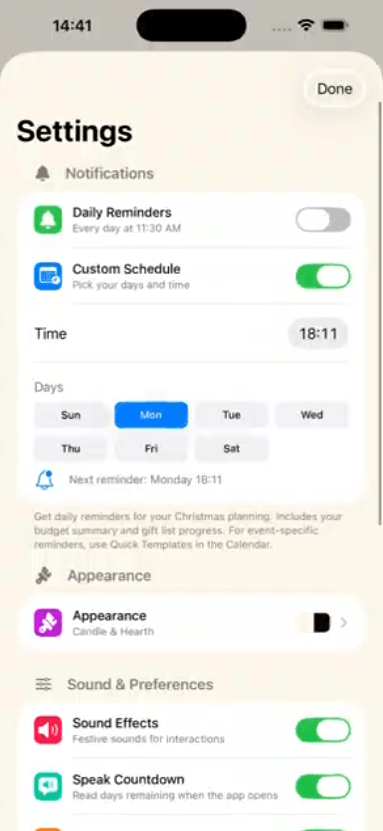
How do I choose between default and custom modes?
You can select either default or custom mode from the Settings menu in the app.
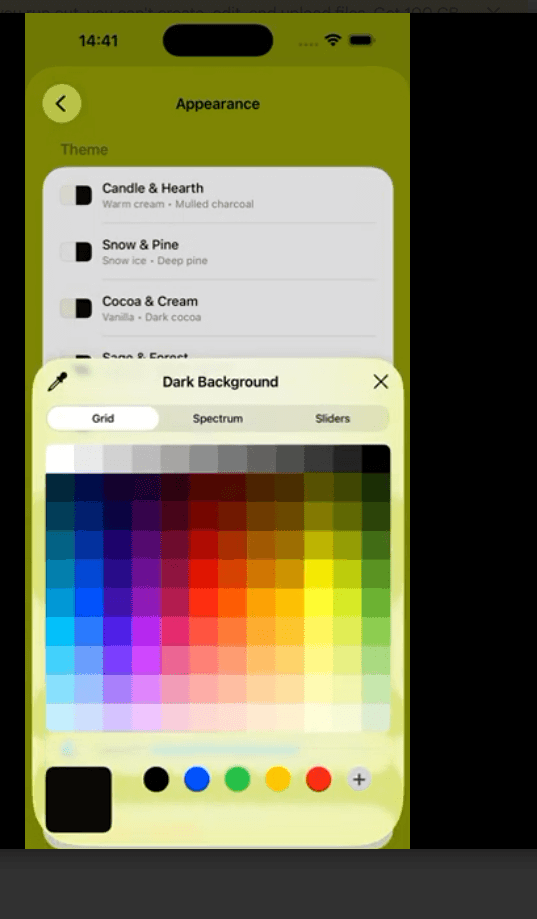
How can I change the background color?on background color?
To change the background color, go to the Change Background Color section in the app’s Settings menu, where you can choose from a variety of color themes.
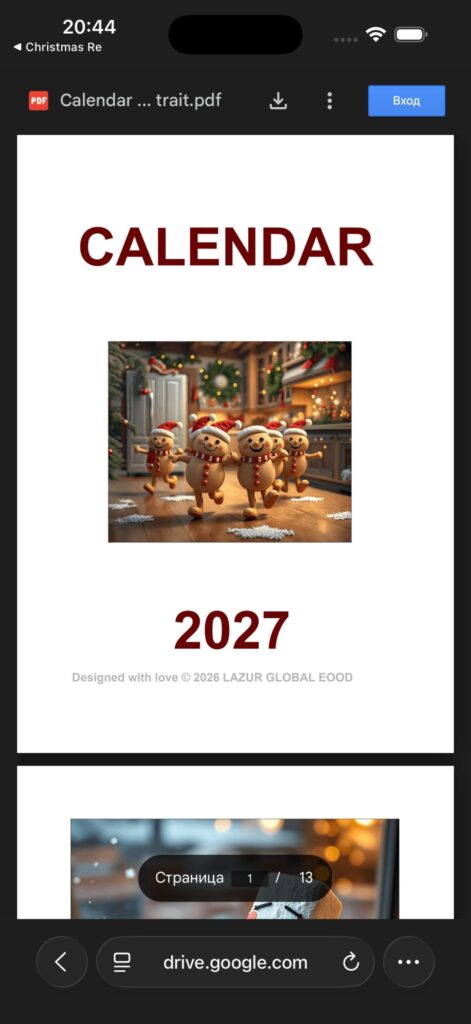
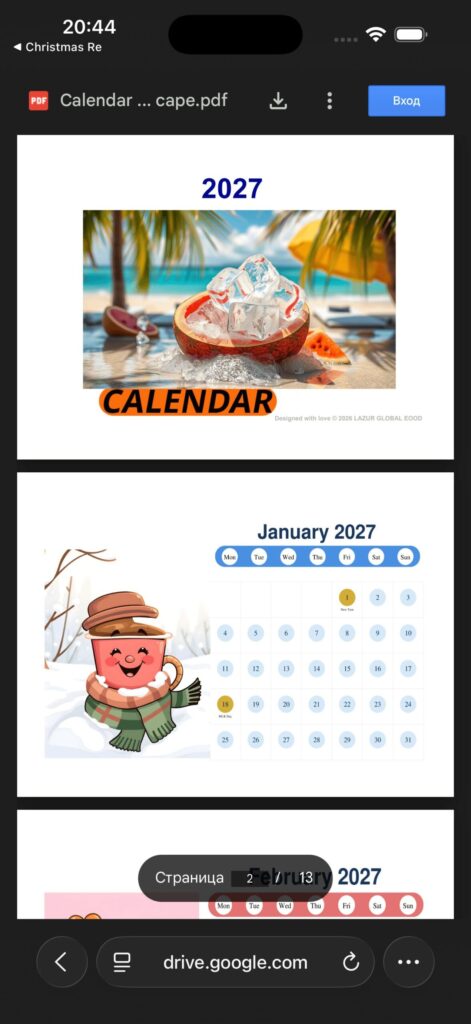
How do I download or print my calendar?
You can download or print your calendar through the three links provided in the Calendar Download section of the Settings menu. Alternatively, you can click on the image in the Home menu to navigate to the Calendar Download view.
How can I report an issue or suggest new features?
Please use the contact form below or email us at support@lazurglobal.com
For help with the CHRISTMAS RE app, please see the FAQs below.
Essential for users to reach out with questions, feedback, or business inquiries.
Contact Information Section
For customer service, support, or inquiries about our services, feel free to contact us through the following channels:
- Email Address: Email us directly at support@lazurglobal.com
- Phone Number: Call us — our support team is available from 11 AM to 2 PM Monday and Friday.
- Physical Address : Visit our office at Street, Varna, BG. Our doors are open from 11 AM to 2 PM Monday and Friday.
For legal, App Store compliance, and business contact purposes, Lazur Global business information is available below.
Social Media Links
Connect with us on social media for the latest updates and insights